This article explains how a CBP online booking moves through system stages from creation to completion.
Understanding the state flow helps you:
Diagnose booking issues
Explain status differences to staff
Understand when inventory is reduced or released
Troubleshoot payment and cancellation behaviour
Overview of Reservation Stages
A CBP booking moves through defined reservation stages. These stages determine:
Whether the booking is confirmed
Whether inventory is blocked
Whether payment has been recorded
Whether the rental is operationally active
The main stages relevant to online booking are:
PROVISIONAL
CONFIRMED
CHECKED OUT
CHECKED IN
CANCELLED
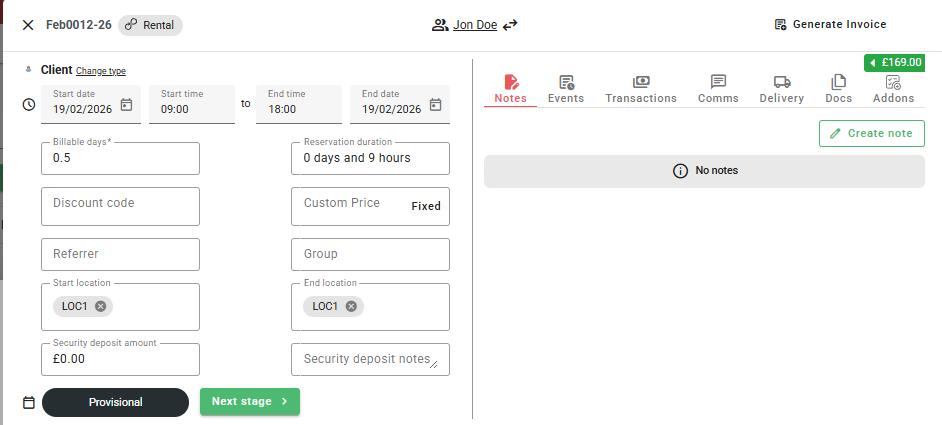
1. Provisional (Pre-Confirmation Stage)
This is the temporary state during checkout.
It typically occurs when:
A customer creates the booking after filling out the checkout information
A session is active but payment is not yet completed
At this stage:
Availability is temporarily reduced
The reservation is not fully confirmed
If the session expires or payment fails, the booking may remain provisional briefly before being cancelled.
2. Confirmed
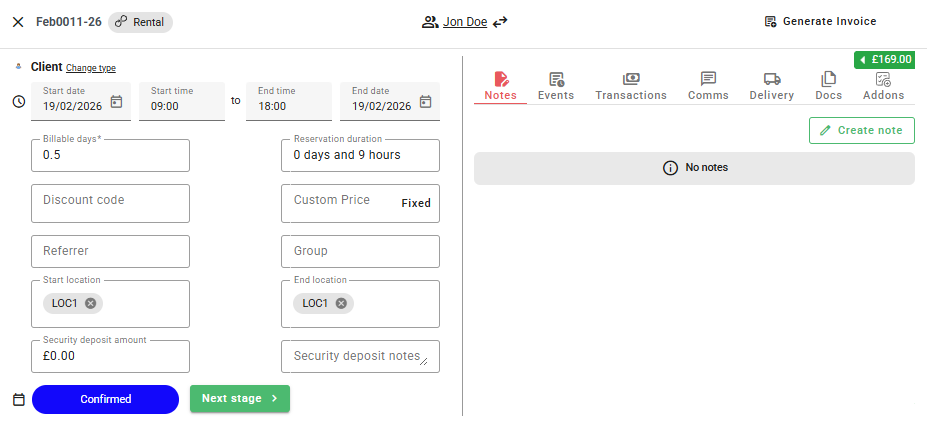
A booking moves to CONFIRMED when it meets your confirmation rules.
This can happen:
After successful payment (full or deposit), or
Immediately at checkout if your store uses 0% deposit, or
Based on reservation type configuration
At the CONFIRMED stage:
Inventory is officially reduced
An invoice number is allocated
Confirmation emails are triggered (if enabled)
The booking is operationally valid
This is the key stage for “confirmed booking” status.
3. Checked Out
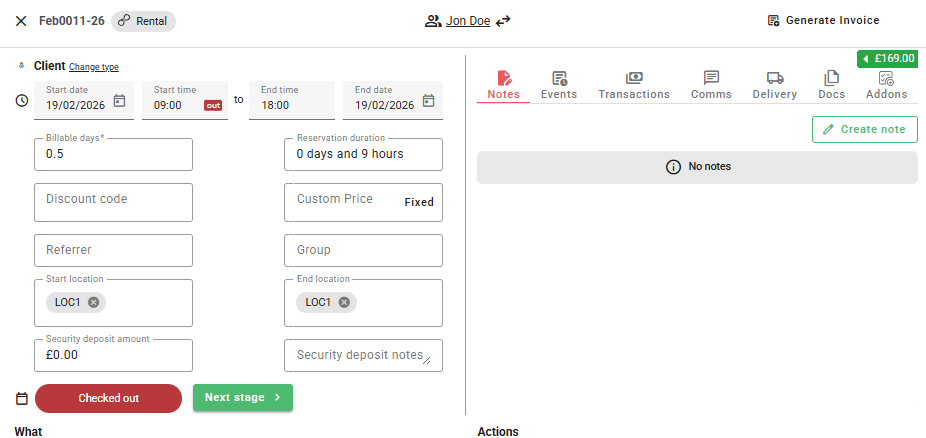
The reservation moves to CHECKED OUT when:
The customer collects the items
The rental begins
At this stage:
The rental is actively in progress
Asset status changes accordingly
Operational tracking begins
5. Checked In
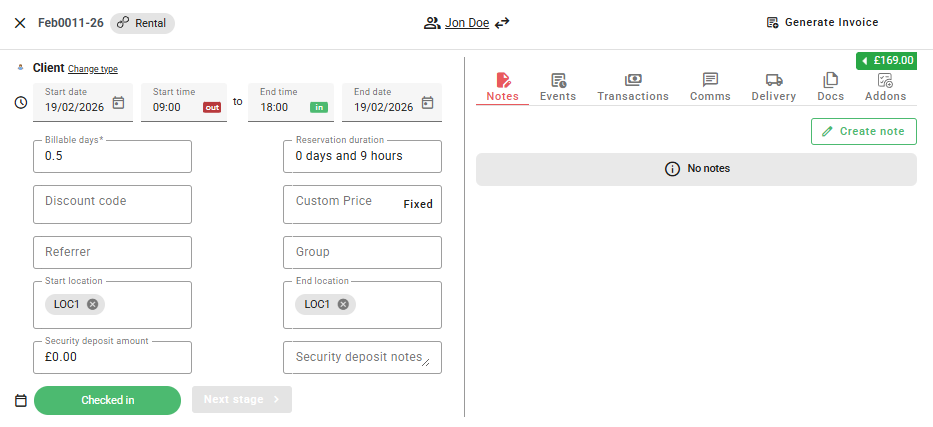
The reservation moves to CHECKED IN when:
The items are returned
The rental is completed
At this stage:
Assets return to available status
Final payment adjustments (if any) may be processed
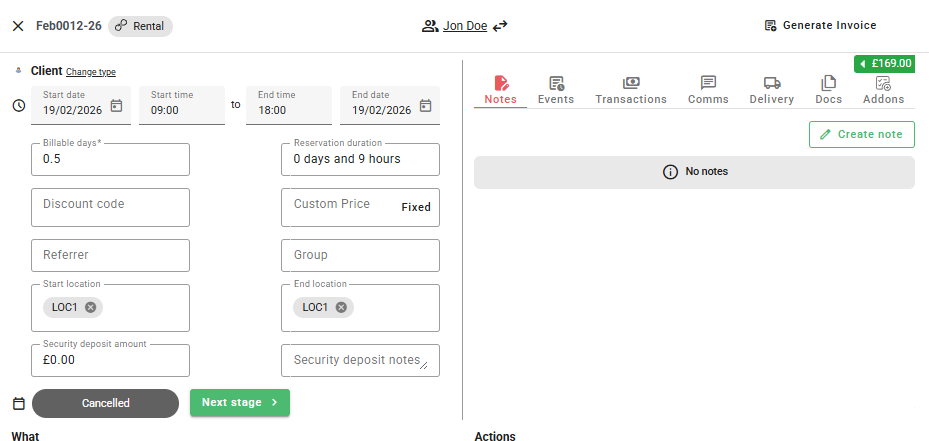
6. Cancelled
A reservation moves to CANCELLED if:
The customer cancels via self service cancellations
The session expires (if configured to cancel)
Staff manually cancel the booking
When cancelled:
Inventory is released
Cancellation emails may be sent (self service or CBP Bookings only)
How Payment Interacts With Stages
Important distinction:
Payment does not define the lifecycle — stage does.
A booking is operationally confirmed when it reaches CONFIRMED stage.
If using deposits:
Paid amount may be less than total
Balance remains outstanding
Stage is still CONFIRMED
How Availability Interacts With Stages
Availability is impacted when:
Reservation reaches CONFIRMED
Provisional sessions temporarily reduce availability
Cancelled reservations release availability
Common Internal Confusion Points
“Why is this booking not confirmed?”
It has not reached CONFIRMED stage (payment may have failed or session expired).
“Why is inventory blocked?”
A reservation is in CONFIRMED or later stage using this item or a space in the product line capacity.
“Why does this booking have no items assigned?”
Auto-Allocate may be disabled; product lines exist but items are not yet assigned.
Best Practice for Store Owners
Train staff on stage names and what they mean
Do not equate “paid” with “confirmed” without checking stage
Monitor provisional and cancelled bookings to detect checkout issues
Was this article helpful?
That’s Great!
Thank you for your feedback
Sorry! We couldn't be helpful
Thank you for your feedback
Feedback sent
We appreciate your effort and will try to fix the article